

Yes, you can get a new router from Spectrum. If you are experiencing issues with your current Spectrum modem or router, they will provide maintenance or replace them at no charge.
It’s important to ensure that the router you choose is compatible with your Spectrum plan. Spectrum also allows customers to use their own modems and routers if they prefer. However, if Spectrum has issued you a modem at no extra cost, it may be more convenient to use the provided equipment.
Finding the right modem and router for your Spectrum Internet can ensure optimal performance and connectivity without any additional charges.
Understanding Spectrum’S Router Replacement Policy
If there is an issue with your Spectrum modem or router, they will provide maintenance or replacement at no charge. You can also replace your Spectrum router with your own, as long as it is compatible with your plan.
Spectrum’S Policy On Replacing Routers And Modems:
Spectrum understands that sometimes, routers and modems can experience issues that may require replacement. They have a policy in place to provide maintenance or replacement for these devices, ensuring that their customers can continue to enjoy uninterrupted internet service. Here are the key points to know about Spectrum’s router replacement policy:
- When there is a problem with your Spectrum modem or router, they will provide maintenance or replace them at no charge.
- This policy applies to both routers and modems, as they are crucial for connecting to Spectrum’s internet service.
Conditions For Getting A New Router For Free:
If you’re facing issues with your Spectrum router and need a replacement, you might be wondering if you are eligible for one free of charge. Here are the conditions to keep in mind:
- The replacement is provided free of charge if there is a problem with your current router or modem.
- The issue must be related to the device itself and not due to customer mishandling or damage.
How To Request A Replacement Online:
Spectrum makes it convenient for customers to request a replacement router online. Follow these steps to ensure a smooth replacement process:
- Log in to your Spectrum account on the official website or mobile app.
- Navigate to the support or troubleshooting section.
- Look for the option to request a replacement router or modem.
- Provide the necessary information and details about the issue you’re experiencing.
- Submit the request, and Spectrum will guide you through the next steps to receive your new router.
Spectrum’S Maintenance And Replacement Program For Faulty Routers:
In order to ensure a seamless internet experience for its customers, Spectrum has a maintenance and replacement program for faulty routers. Here’s what you need to know:
- If your router is found to be faulty and cannot be repaired, Spectrum will provide a replacement.
- The replacement router will be of the same or similar model to ensure compatibility with Spectrum’s internet service.
- This program ensures that customers can quickly get back online and continue enjoying high-speed internet.
Remember, Spectrum’s policy on router replacements is designed to ensure customer satisfaction and uninterrupted internet service. If you’re experiencing issues with your router, don’t hesitate to reach out to Spectrum for assistance.
Choosing The Right Router For Spectrum Internet
When it comes to choosing the right router for Spectrum Internet, many people wonder if they can get a new router from Spectrum. The answer is yes, you can replace your Spectrum router with your own if it is compatible with your plan.
When it comes to choosing the right router for Spectrum Internet, compatibility is key. You want to make sure that the router you choose is compatible with Spectrum’s internet service. Here are some factors to consider and the best routers for Spectrum internet:
Compatibility Between Your Chosen Router And Spectrum’S Internet:
- DOCSIS compatibility: Spectrum primarily uses DOCSIS technology for its internet service. Look for routers that are compatible with DOCSIS 3.0 or higher to ensure optimal performance.
- Speed compatibility: Consider the speed of your Spectrum internet plan and choose a router that can handle the maximum speed. Look for routers that support the same or higher speeds than your plan to avoid any performance issues.
- Wireless standards compatibility: Check if the router supports the latest wireless standards, such as 802.11ac or Wi-Fi 6, to take full advantage of Spectrum’s fast and reliable Wi-Fi network.
Factors To Consider When Selecting A Router:
- Coverage: Consider the size of your home or office and choose a router with sufficient coverage to reach every corner. Look for routers with multiple antennas or mesh systems for better coverage.
- Number of devices: Take into account the number of devices that will be connected to the router. Choose a router that can handle the expected number of devices simultaneously to avoid slowdowns or buffering issues.
- Security features: Look for routers with built-in security features like firewalls and encryption to protect your network and connected devices from potential threats.
- Ease of setup and management: Consider routers with user-friendly interfaces and easy setup processes. Features like mobile apps for management can make it more convenient to monitor and control your network.
Best Routers For Spectrum Internet:
- ARRIS SURFboard DOCSIS SB6190: This router is compatible with Spectrum’s internet service and offers high-speed performance for gaming and streaming.
- Netgear Nighthawk Cable Modem Router Combo: This combo device combines a modem and router into one, providing fast and reliable internet connection with built-in Wi-Fi.
- TP-Link Archer A7: This router offers great coverage and speeds for a budget-friendly price, making it a popular choice among Spectrum users.
- Asus RT-AC68U: With its advanced features and robust performance, this router is suitable for users who demand high-speed internet for gaming and streaming.
Remember, when choosing a router for Spectrum internet, always ensure compatibility and consider factors such as coverage, device support, security features, and ease of setup and management. By selecting the right router, you can enjoy a seamless and reliable internet experience with Spectrum.
Upgrading Your Spectrum Router
If you’re wondering if you can get a new router from Spectrum, the answer is yes! Spectrum provides maintenance or replacement of their modems and routers at no charge if there’s a problem. You can also replace the Spectrum router with your own if it’s compatible with your plan.
Is your current Spectrum router not providing you with the high-speed internet and optimal performance you desire? It may be time to consider upgrading your router. Upgrading your Spectrum router can enhance your internet experience, improve connectivity, and ensure you get the most out of your Spectrum internet service.
Steps To Upgrade Your Spectrum Router:
- Determine if you need a new router: Assess the performance of your current router and identify any issues or limitations that may be hindering your internet speed or stability.
- Check compatibility: Before purchasing a new router, ensure it is compatible with your Spectrum internet plan. You can check this information on the Spectrum website or contact customer support for assistance.
- Research router options: Explore different router models available in the market, considering factors such as speed, range, and advanced features. Look for routers that offer the latest Wi-Fi standards (such as Wi-Fi 6) for optimal performance.
- Purchase a new router: Once you have selected a suitable router, you can purchase it from various retailers, both online and offline. Take advantage of deals or discounts to get the best value for your money.
- Set up your new router: Follow the manufacturer’s instructions for setting up your new router. This typically involves connecting it to your modem and configuring network settings.
- Activate your new router: Contact Spectrum customer support or visit the Spectrum website to activate your new router. They will guide you through the activation process, ensuring seamless integration with your internet service.
Benefits Of Upgrading Your Router:
- Faster internet speeds: Upgrading to a more advanced router can significantly improve your internet speeds, allowing for smooth streaming, faster downloads, and lag-free online gaming.
- Enhanced Wi-Fi coverage: Many new routers offer improved range and coverage, ensuring a strong Wi-Fi signal throughout your home. This means you can connect to the internet from any room without any connection drops or dead zones.
- Advanced security features: Newer routers often come with enhanced security features, such as built-in firewalls, parental controls, and guest network options. These features help protect your network from potential threats and give you more control over internet usage.
- Future-proofing your network: Investing in a modern router ensures compatibility with future technologies and internet advancements. You won’t have to worry about your router becoming outdated anytime soon.
How To Optimize Your Spectrum Internet With A New Router:
- Place your router in a central location: Positioning your router in a central location within your home can help ensure even coverage throughout. Avoid placing it near obstructions like walls and metallic objects that can interfere with the Wi-Fi signal.
- Secure your network: Set up a strong password for your Wi-Fi network to prevent unauthorized access. This will help protect your personal information and maintain a secure connection.
- Regularly update your router’s firmware: Check for firmware updates from the manufacturer and install them to ensure your router continues to operate at its best.
- Use Wi-Fi optimization tools: Some routers come with built-in optimization tools that automatically manage Wi-Fi settings for optimal performance. Explore these settings and enable features like beamforming and Quality of Service (QoS) to prioritize bandwidth for specific applications or devices.
- Consider mesh Wi-Fi systems: If you have a large home or multiple floors, a mesh Wi-Fi system can help extend your network’s reach. These systems use multiple nodes to create a seamless, unified Wi-Fi network.
By following these steps and upgrading your Spectrum router, you can enjoy better internet speeds, improved coverage, and a more reliable connection. Stay connected and make the most of your Spectrum internet service with a new and powerful router.
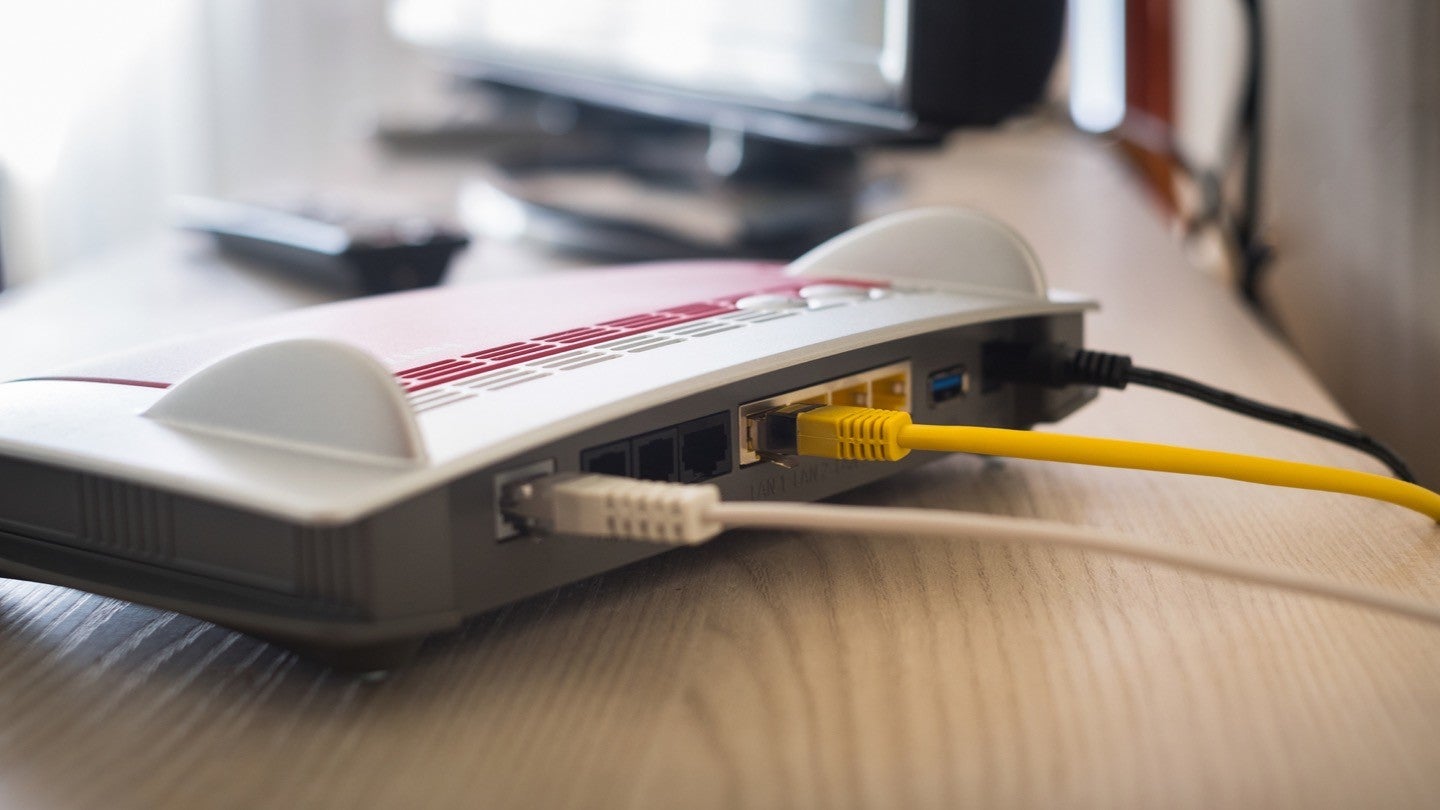
Credit: www.allconnect.com
Frequently Asked Questions Of Can I Get A New Router From Spectrum
How Much Does It Cost To Get A New Router From Spectrum?
You may be eligible to receive a new router from Spectrum at no charge.
Does Spectrum Give You A New Router For Free?
Spectrum provides free maintenance or replacement of their modem or router in case of any issues.
Can I Replace My Spectrum Router With A Better Router?
Yes, you can replace your Spectrum router with a better one, as long as it is compatible with your internet plan.
How Do I Upgrade My Spectrum Router?
To upgrade your Spectrum router, you can request a replacement online. You can also use your own modem and router with Spectrum if they issued you one at no extra charge. Make sure the router is compatible with your plan.
Conclusion
If you’re experiencing issues with your Spectrum modem or router, there’s good news. Spectrum provides maintenance or replacements at no charge in the rare event that there is a problem. So you don’t have to worry about incurring additional costs.
In terms of upgrading your router, it’s important to note that it’s the modem that truly matters as it connects you to Spectrum’s internet. However, if you want to replace your Spectrum router with a better one, make sure it is compatible with your plan.
This will ensure seamless connectivity and improved performance. If you do need a new modem or router, Spectrum offers a convenient online request system. This allows you to easily request a replacement to optimize your Spectrum Internet service. Spectrum provides excellent support for their equipment, and if you need a new router, they have you covered.
By following their guidelines and making sure your replacement is compatible, you can enjoy a smooth and reliable internet experience with Spectrum.