
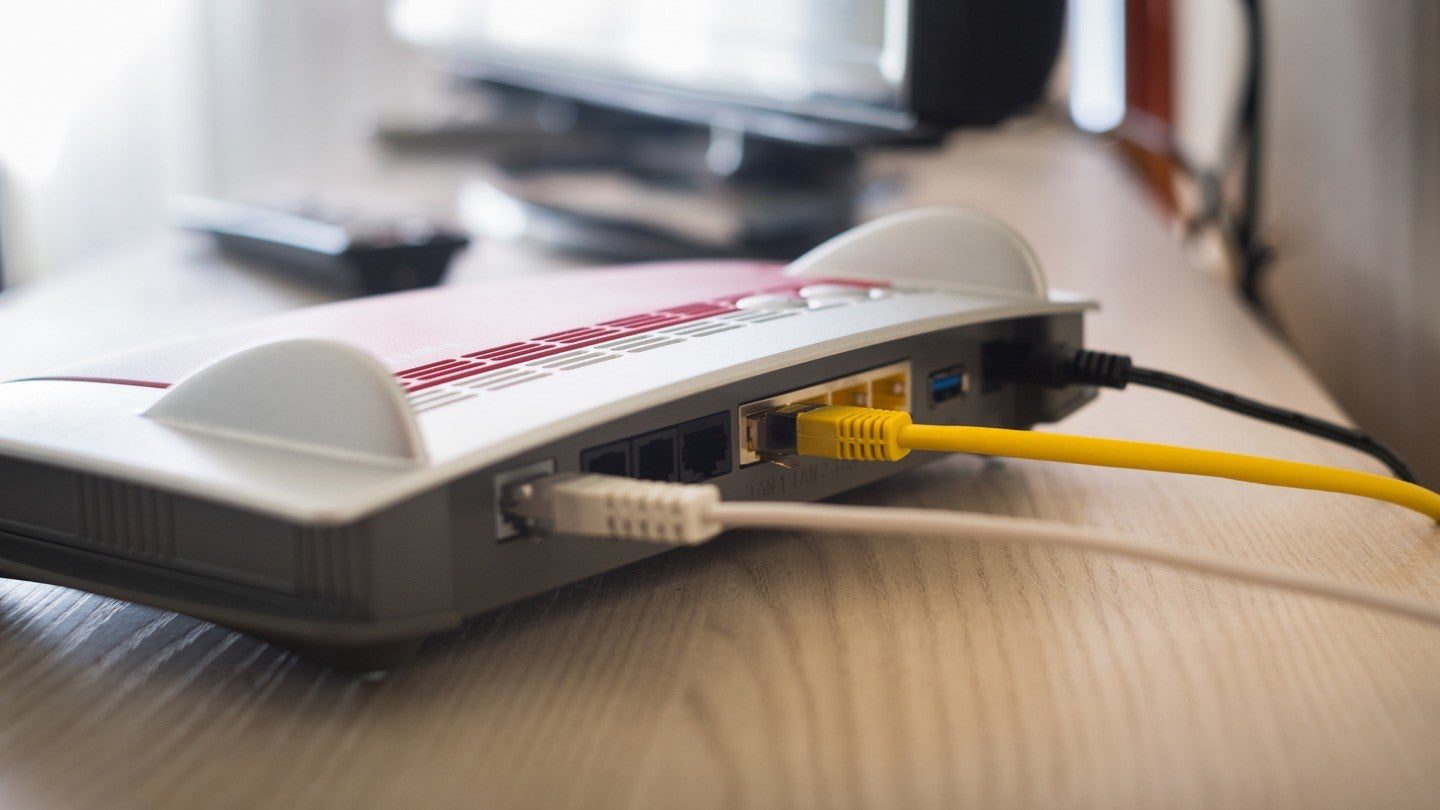
Spectrum Internet works by utilizing hybrid fiber-coaxial cable connections to deliver high-speed internet services to residential homes. This includes finding a working coax outlet in your home, connecting the coax cable from the outlet to your modem, and setting up the Spectrum WiFi router for seamless wireless internet access throughout your home.
With Spectrum’s reliable and fast internet speeds, you can enjoy unlimited data and a rent-free modem. Spectrum Internet offers good prices and download speeds compared to other ISPs, making it a popular choice for households in need of reliable and affordable internet connectivity.
Understanding Spectrum Internet Technology
Spectrum Internet works through a combination of fiber-optic and coaxial cables, providing high-speed and reliable internet connection. With Spectrum’s advanced technology, you can enjoy seamless and fast internet access in your home or office.
Overview Of Spectrum Internet Services
Spectrum Internet offers a wide range of internet services to cater to the varying needs of customers. With their reliable and high-speed internet connections, Spectrum aims to provide seamless browsing, streaming, and gaming experiences. From basic plans for everyday internet usage to ultra-fast plans for heavy internet users, Spectrum has a plan that suits everyone’s needs.
Let’s dive deeper into the different types of internet connections offered by Spectrum and explore the infrastructure behind their internet services.
Different Types Of Internet Connections Offered By Spectrum
When it comes to internet connections, Spectrum offers both wired and wireless options. Here are the different types of internet connections provided by Spectrum:
- Cable Internet: Spectrum’s cable internet relies on coaxial cables to transmit data. This type of connection offers high-speed internet and is ideal for households that require fast and reliable internet connections for streaming, gaming, and downloading large files.
- Fiber Internet: Spectrum also offers fiber internet in select areas. Fiber-optic technology uses thin strands of glass or plastic to transmit data at lightning-fast speeds. This type of connection is perfect for users who require ultra-fast and high-bandwidth internet for activities like online gaming, video conferencing, and streaming 4K content.
- Wireless Internet: Spectrum provides wireless internet services through its Wi-Fi hotspots. These hotspots allow customers to connect their devices to the internet wirelessly without the need for cables. It is a convenient option for users who are on the go and need internet access in public places like cafes, airports, and shopping centers.
Exploring The Infrastructure Behind Spectrum Internet
To ensure seamless internet connectivity, Spectrum has a robust infrastructure that supports its internet services. Here are the key components of Spectrum’s infrastructure:
- Network Backbone: Spectrum has a reliable and extensive network backbone that spans across multiple cities and regions. This network backbone forms the foundation of Spectrum’s internet services, enabling efficient transmission of data across its network.
- Data Centers: Spectrum operates state-of-the-art data centers equipped with advanced technology to store and process data. These data centers are strategically located to ensure optimal data transmission and provide high levels of reliability and security.
- Modems and Routers: Customers who subscribe to Spectrum’s internet services receive modems and routers that allow them to connect their devices to the internet. These devices act as the bridge between the customer’s devices and the internet, providing a seamless and secure connection.
- Customer Support: Spectrum offers robust customer support to assist customers with any technical issues or inquiries they may have. Their dedicated support team is available 24/7 to ensure that customers’ internet connectivity is uninterrupted.
Spectrum Internet offers a range of internet services, including cable, fiber, and wireless connections, to meet the diverse needs of customers. With their reliable infrastructure and excellent customer support, Spectrum provides seamless and high-speed internet connectivity for all users.
The Process Of Installing Spectrum Internet
Installing Spectrum Internet is a simple process. Start by locating a working coax outlet in your home, then connect the coax cable from the outlet to your modem. With a reliable Spectrum WiFi router, you can enjoy fast and seamless wireless internet service.
Just like installing Spectrum TV, setting up your Spectrum internet involves a series of simple steps. From finding a working coax outlet in your home to establishing a secure internet connection, let’s walk through the installation process step by step.
Finding A Working Coax Outlet In Your Home
- Locate a coax outlet (cable outlet) in your home where you want to set up your Spectrum internet.
- Ensure that the coax outlet is in a convenient location, preferably near a power source.
- Make sure there is no damage to the coax outlet and it is properly connected.
Setting Up Your Modem And Connecting It To The Coax Cable
- Find the coax cable from the kit that matches the length required to reach from the outlet to your desired modem location.
- Connect one end of the coax cable to the coax outlet and the other end to the modem’s coax port.
- Make sure the connection is secure and tight to ensure a stable internet connection.
Configuring Your Spectrum Wifi Router
- Connect your router to the modem using an Ethernet cable.
- Plug in the power adapter of the router and wait for the router to power on.
- Access the router’s configuration page by typing its default gateway address into your web browser.
- Follow the on-screen instructions to set up your WiFi network name (SSID) and password.
Establishing A Secure Internet Connection
- Once the router is configured, ensure that all the necessary lights on the modem and router are solid green or blue, indicating a successful connection.
- Connect your devices to your WiFi network using the network name (SSID) and password you set up.
- Test your internet connection by browsing the web or streaming content to ensure it is working properly.
By following these installation steps, you can easily set up your Spectrum internet and enjoy high-speed and reliable connectivity in your home. Make sure to refer to the detailed self-installation guide provided by Spectrum for any specific instructions or troubleshooting tips.
The Features And Benefits Of Spectrum Internet
Spectrum Internet offers high-speed connectivity through a hybrid fiber-coaxial cable network, ensuring reliable and fast internet access. With affordable monthly rates and unlimited data, Spectrum Internet is a great choice for seamless browsing and streaming.
High-Speed Internet And Fast Download/Upload Speeds:
- Spectrum Internet offers high-speed internet connections, allowing users to browse the web, stream videos, play online games, and download files quickly and seamlessly.
- With Spectrum Internet, you can enjoy blazing-fast download and upload speeds, ensuring smooth and uninterrupted online experiences.
- Whether you’re a casual internet user or a heavy-duty gamer, Spectrum’s high-speed internet will meet your needs and provide a seamless browsing experience.
Reliability Of Spectrum’S In-Home Wifi:
- Spectrum offers reliable in-home WiFi that ensures a stable and consistent internet connection throughout your house.
- With Spectrum’s in-home WiFi, you can connect multiple devices at the same time without experiencing any lag or interruption.
- Whether you’re in the living room, bedroom, or even outside in the backyard, Spectrum’s in-home WiFi will provide you with a strong and reliable internet connection.
Access To A Wide Range Of Online Services And Content:
- With Spectrum Internet, you gain access to a wide range of online services and content, including streaming platforms like Netflix, Hulu, and Amazon Prime Video.
- Spectrum Internet allows you to explore a plethora of online content, from news websites to social media platforms and online shopping portals.
- With high-speed internet from Spectrum, you can stay connected, entertained, and informed with ease.
Spectrum’S Customer Support And Service Guarantees:
- Spectrum prides itself on its exceptional customer support, available 24/7 to address any concerns or technical issues you may encounter.
- As a Spectrum Internet customer, you can rely on their dedicated customer service team to assist you with troubleshooting, account inquiries, and more.
- Additionally, Spectrum offers service guarantees, ensuring that you receive reliable and consistent internet service without any disruptions.
Remember to use variations in sentence structures and synonyms to create engaging and unique content. Avoid using repetitive terms and maintain a conversational style throughout.
How Spectrum Internet Supports Different Devices
Spectrum Internet seamlessly supports a wide range of devices, ensuring a smooth online experience. With reliable wired and wireless connections, Spectrum offers high-speed internet that doesn’t compromise on speed or performance.
If you’re wondering how Spectrum Internet works with different devices, you’ve come to the right place. Spectrum offers seamless connectivity for a wide range of devices, including computers, laptops, smartphones, tablets, smart TVs, streaming devices, gaming consoles, and more. Let’s take a closer look at how you can connect these devices to Spectrum Internet.
Connecting Computers And Laptops To Spectrum Internet:
- Ethernet connection: If you want a stable and high-speed internet connection, connecting your computer or laptop to your Spectrum modem using an Ethernet cable is the way to go.
- Wi-Fi connection: To enjoy the freedom of wireless connectivity, you can connect your computer or laptop to your Spectrum Wi-Fi network. Simply select your network from the list of available options and enter your Wi-Fi password.
Setting Up Spectrum Internet On Smartphones And Tablets:
- Wi-Fi connection: Just like computers and laptops, you can connect your smartphone or tablet to your Spectrum Wi-Fi network. Simply go to your device’s settings, select the Wi-Fi option, and choose your Spectrum network. Enter the Wi-Fi password and you’re good to go.
- Spectrum Mobile: If you have Spectrum Mobile, you can stay connected to the internet wherever you go. Spectrum Mobile combines the power of Spectrum’s Wi-Fi network and the nationwide coverage of the Verizon network to provide you with the best internet experience on your smartphone or tablet.
Using Spectrum Internet With Smart Tvs And Streaming Devices:
- Wi-Fi connection: Smart TVs and streaming devices can easily connect to your Spectrum Wi-Fi network. Once connected, you can enjoy your favorite streaming services, browse the web, and more.
- Ethernet connection: For a more stable and reliable internet connection, you can connect your smart TV or streaming device to your Spectrum modem using an Ethernet cable.
Ensuring Compatibility With Gaming Consoles And Other Devices:
- Wired or wireless connection: Whether you’re a casual gamer or a hardcore enthusiast, Spectrum Internet ensures compatibility with a wide range of gaming consoles. You can connect your console using an Ethernet cable for a lag-free gaming experience or connect via Wi-Fi if your console supports wireless connectivity.
- Other devices: Spectrum Internet also supports other devices such as smart home devices, printers, and more. Simply connect these devices to your Spectrum Wi-Fi network using the provided instructions or consult the device’s user manual for specific setup instructions.
With Spectrum Internet, you can ensure seamless connectivity for all your devices. Whether you’re browsing the web, streaming your favorite shows, or gaming online, Spectrum has you covered. Experience the power of reliable and high-speed internet with Spectrum.
For more information on setting up Spectrum Internet, visit the [Spectrum Self-Installation Guide](https://www. spectrum. net/support/self-installation-guide/).
Maximizing Your Spectrum Internet Experience
Maximize your Spectrum Internet experience with reliable and fast internet speeds. Discover how Spectrum Internet works and stay connected in Austin, Texas.
Optimizing The Performance Of Your Internet Connection:
- Use a wired connection: Connecting your devices directly to your Spectrum internet modem through an Ethernet cable can provide a more stable and faster connection compared to relying on Wi-Fi.
- Position your modem strategically: Place your modem in a central location in your home to ensure even coverage throughout. Avoid placing it in a cabinet or behind furniture that could obstruct the signal.
- Optimize your Wi-Fi settings: Change your Wi-Fi channel to avoid interference from other devices and neighboring networks. Additionally, consider using a Wi-Fi extender if you have a large house or multiple floors to ensure a strong signal everywhere.
- Use a firewall: Enable the built-in firewall on your modem or utilize third-party firewall software to add an additional layer of security to your network.
- Keep your software up to date: Regularly update your operating system, antivirus software, and other important applications to ensure optimal performance and protect against security vulnerabilities.
Utilizing Spectrum’S Additional Features And Services:
- Spectrum Security Suite: Take advantage of Spectrum’s Security Suite, which offers antivirus and anti-malware protection, as well as parental controls to keep your devices and family safe online.
- Spectrum TV App: Access your favorite shows and movies on the go with the Spectrum TV App. Stream live TV, on-demand content, and even DVR recordings from your connected devices.
- Spectrum Voice: Bundle your internet service with Spectrum Voice to enjoy unlimited nationwide calling, voicemail, and other convenient features.
- Spectrum Wi-Fi Hotspots: Access thousands of Wi-Fi hotspots nationwide with your Spectrum internet subscription. Stay connected while on the go and save on mobile data usage.
Understanding Data Caps And Managing Your Internet Usage:
- Familiarize yourself with your data cap: Check your monthly internet plan to determine if it has a data cap. Understanding your data cap will help you manage your internet usage effectively.
- Monitor your data usage: Keep track of your data usage by using the My Spectrum app or logging into your Spectrum account online. Knowing how much data you consume can help you avoid going over your monthly limit.
- Optimize streaming quality: Adjust the streaming quality of video and audio content services like Netflix, Hulu, and Spotify to reduce data consumption.
- Limit automatic updates: Configure your devices and applications to update manually or during off-peak hours to avoid using up large amounts of data.
- Utilize data-saving features: Enable data-saving options on devices and browsers to compress images, minimize video quality, and reduce data usage when browsing the web.
Troubleshooting Common Internet Connectivity Issues:
- Check hardware connections: Ensure all cables are securely plugged in and that your modem and router are powered on.
- Restart your devices: Power cycle your modem, router, and connected devices by unplugging them for about 30 seconds, then plugging them back in.
- Troubleshoot Wi-Fi issues: If you’re experiencing Wi-Fi connectivity problems, try resetting your wireless router or changing the Wi-Fi channel.
- Update firmware: Check for firmware updates for your modem and router. Keeping the firmware up to date can resolve various connectivity issues.
- Contact Spectrum support: If you’ve tried basic troubleshooting steps and are still experiencing internet connectivity problems, reach out to Spectrum’s customer support for further assistance.
Remember, by implementing these tips and utilizing Spectrum’s additional features and services, you can maximize your Spectrum internet experience and ensure a reliable and fast connection for all your online activities. Stay connected, browse effortlessly, and enjoy a seamless internet experience with Spectrum.

Credit: www.amazon.com
Frequently Asked Questions On How Spectrum Internet Works
How Does Spectrum Internet Come Into The House?
Spectrum Internet comes into the house through a working coax outlet, just like Spectrum TV. You’ll connect your modem using the coax cable provided in your kit.
Is Spectrum Internet Wired Or Wireless?
Spectrum Internet is a wired service, but they also offer affordable wall-to-wall wireless internet with a reliable WiFi router.
Is Spectrum Internet Good?
Spectrum Internet offers good prices and download speeds compared to other ISPs in the same locations.
Is Spectrum 300 Mbps Good?
Spectrum 300 Mbps provides good internet speeds compared to other providers with affordable prices.
Conclusion
Nstance and professional installation of Spectrum Internet. Whether you choose to install it yourself or have a professional do it for you, the process is simple and straightforward. Spectrum Internet works by utilizing a hybrid fiber-coaxial cable network, delivering fast and reliable internet speeds to your home.
With a wide range of plans and options available, you can find the perfect package to suit your needs. Spectrum also offers additional perks like unlimited data and a rent-free modem, making it a great choice for internet service. The in-home Spectrum WiFi provides wall-to-wall coverage, ensuring seamless connectivity throughout your home.
Overall, Spectrum Internet offers competitive prices, reliable speeds, and excellent customer service. So, if you’re looking for a reliable internet provider, Spectrum is definitely worth considering. Experience the power of Spectrum Internet and stay connected with the world around you.