
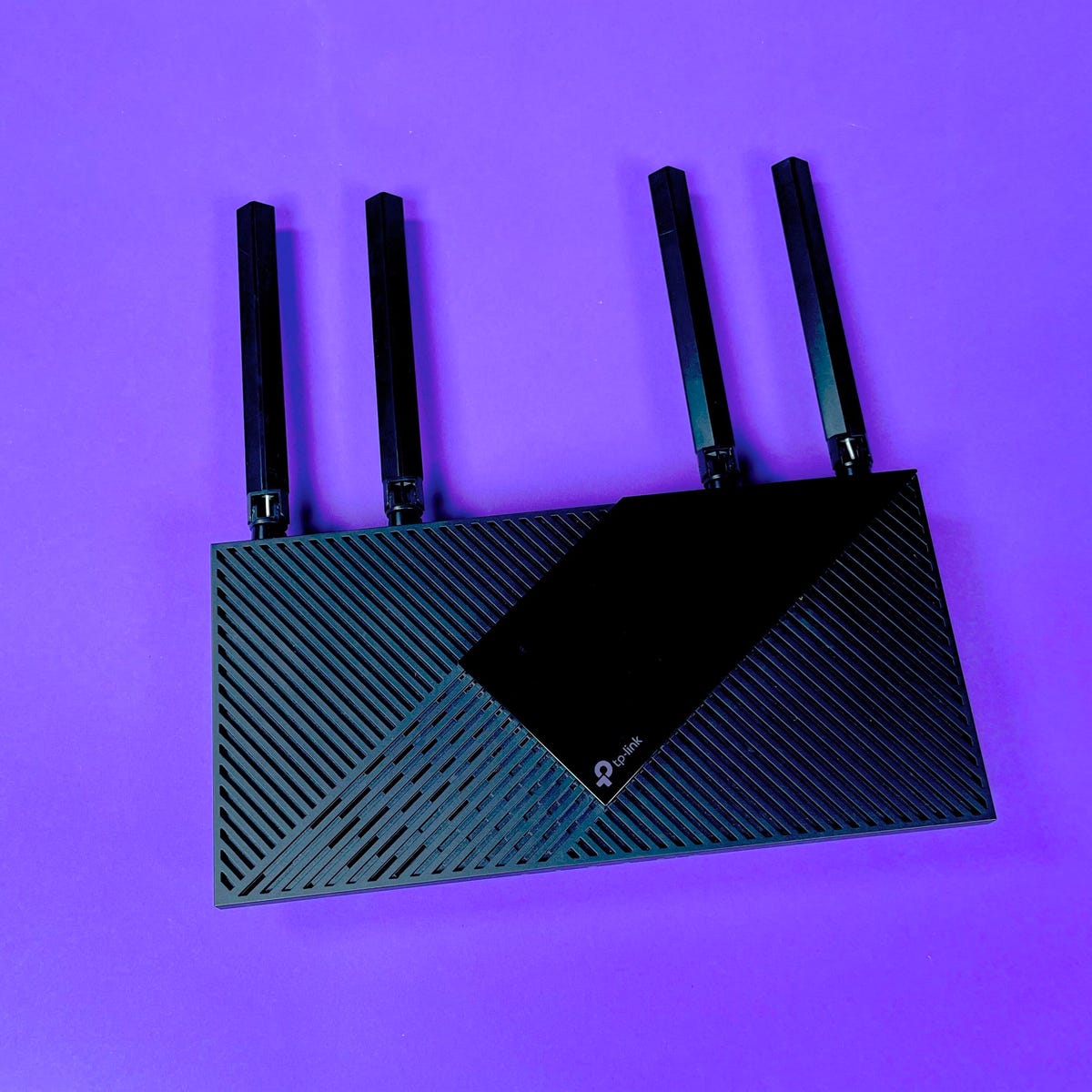
Yes, you can replace the Spectrum router with your own, but keep in mind that Spectrum requires customers to use an authorized modem to connect to their network. They offer a pre-configured WiFi router for a monthly fee, but you have the option to use or purchase your own router.
However, if you choose to use your own, make sure it is compatible with Spectrum and meets their requirements. This way, you can have more control over your network and potentially improve your internet experience. Just ensure that you are comfortable with your new router and understand any limitations or support that may come with it.
Understanding Spectrum Routers And Modems
Discover how to replace your Spectrum router with your own using authorized modems to connect to the Spectrum network. Gain the freedom to choose your own router and enjoy a personalized WiFi experience. Learn more about the process and options available to replace your Spectrum router with your own.
Spectrum Internet customers have the option to replace the provided Spectrum router with their own. This gives users more control over their network and potentially improves their internet experience. Before making the switch, it’s important to understand how Spectrum routers and modems work, their limitations, and explore alternative modem options.
In this section, we will dive into these topics to help you make an informed decision.
How Spectrum Routers Work:
- Spectrum routers are pre-configured WiFi routers provided by Spectrum for a monthly fee.
- These routers connect your devices to the Spectrum network, allowing you to access the internet.
- They come with built-in security features, such as firewalls and encryption, to protect your network.
Spectrum Router Limitations And Drawbacks:
- Limited customization: Spectrum routers may have limited customization options compared to third-party routers. You might not be able to tweak advanced settings or use certain features.
- Network coverage: Depending on the size of your home or office, the range of the Spectrum router’s WiFi signal may not cover all areas. Dead zones or areas with weak signals may impact your internet connectivity.
- Performance limitations: Spectrum routers might not offer the same level of performance as some third-party routers. If you have specific networking needs or require faster speeds, you might want to consider alternative options.
Exploring Modem Options For Spectrum Internet:
- Spectrum Internet customers are required to use an authorized modem to connect to the Spectrum network.
- While Spectrum provides a pre-configured WiFi router, customers have the choice to use or purchase their own modems.
- Using your own modem gives you more flexibility and control over your network setup.
- Some recommended modem options for Spectrum Internet include:
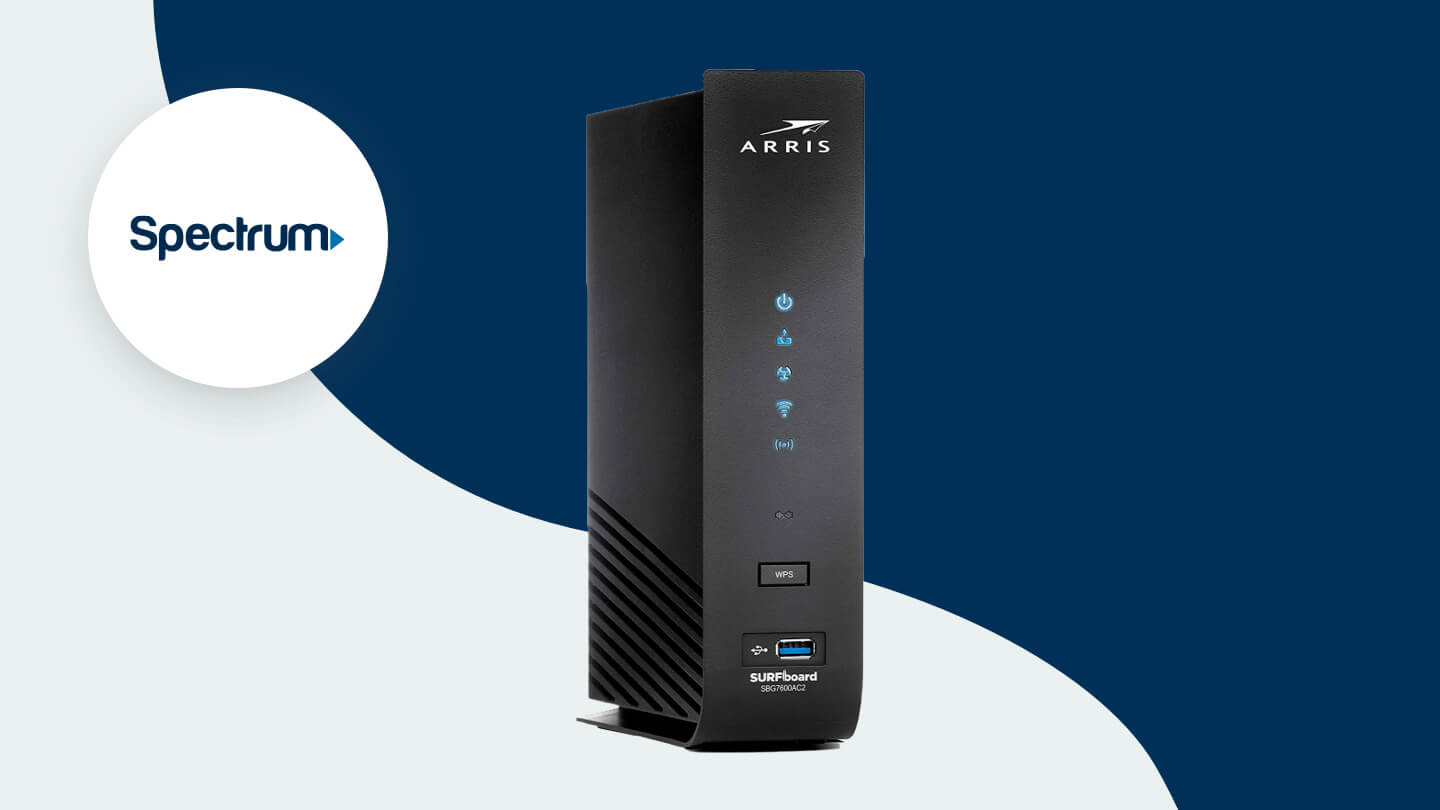
- ARRIS SURFboard DOCSIS SB…
- Netgear Nighthawk Cable Mod…
- NETGEAR Cable Modem wit…
- By using these third-party modems, you can potentially improve your internet connection and network performance.
Remember, before replacing your Spectrum router with your own, make sure to check Spectrum’s guidelines and compatibility requirements. Additionally, it’s essential to set up and configure your own modem correctly to ensure a seamless internet experience.
Choosing The Right Router For Spectrum
Replace Spectrum Router With My Own: Spectrum Internet customers have the option to use their own router instead of the provided one by Spectrum. This allows for more customization and control over their home WiFi network. Find out how to easily replace your Spectrum router with your own for a better internet experience.
When it comes to replacing your Spectrum router with your own, choosing the right router is essential to ensure a smooth and reliable internet connection. There are a few factors to consider when selecting a router for Spectrum:
Factors To Consider When Selecting A Router:
- Compatibility: Make sure the router you choose is compatible with Spectrum’s network. Look for routers that support DOCSIS 3.0 or higher for optimal performance.
- Speed: Consider the speed you need for your internet connection. Spectrum offers different internet plans, so choose a router that can handle the speed you subscribe to.
- Coverage: Determine the size of your home or office space and choose a router that can provide adequate coverage. Look for routers with multiple antennas or mesh network systems for better coverage in large areas.
- Security: Ensure that the router has built-in security features to protect your network from potential threats. Look for routers with WPA2 encryption and firewall protection.
- Number of Devices: Consider the number of devices that will be connected to the router. Choose a router that can handle multiple devices simultaneously without slowing down the internet speed.
Top Recommended Routers For Spectrum:
- ARRIS SURFboard DOCSIS SB…
- High-speed internet performance with DOCSIS 3.0 technology
- Compatible with Spectrum’s network
- Offers fast and reliable Wi-Fi coverage
- Easy setup and management with the SURFboard mobile app
- NETGEAR Cable Modem wit…
- Supports fast internet speeds with DOCSIS 3.0 technology
- Compatible with Spectrum’s network
- Features advanced Wi-Fi technology for improved coverage and performance
- Offers parental controls and advanced security features
When comparing features and performance, make sure to prioritize your specific needs and budget. Look for routers that offer a good balance between price and performance, and read customer reviews to gauge user satisfaction. By choosing the right router for Spectrum, you can enjoy a seamless internet experience with improved speed and reliability.
Setting Up Your Own Router With Spectrum Internet
Replace Spectrum Router With My Own. You have the option to replace the Spectrum router with your own, allowing you to have more control over your internet connection. By using your own router, you can customize your network settings and potentially improve your Wi-Fi performance.
Learn how to replace your Spectrum router with your own for a better internet experience.
Checking Compatibility With Spectrum
- Before replacing your Spectrum router with your own, it’s important to check if your chosen router is compatible with Spectrum Internet. To do this, you can:
- Visit the Spectrum website and search for a list of authorized modems that are approved for use on their network.
- Contact Spectrum customer support and provide them with the make and model of your router to confirm compatibility.
- Ensure that your router supports the necessary internet protocols, such as DOCSIS 3.0 or 3.1, to ensure a seamless connection with Spectrum’s network.
Steps To Replace Your Spectrum Router
- Follow these steps to replace your Spectrum router with your own:
- Disconnecting the old modem:
- Begin by powering off your old Spectrum router/modem.
- Unplug any cables connected to the old modem, including the power cord and Ethernet cables.
- Connecting the new router:
- Connect the new router to a power source and turn it on.
- Connect an Ethernet cable from the modem’s Ethernet port to the WAN port of your new router.
- If your new router has external antennas, attach them securely for optimal Wi-Fi coverage.
- Activating the new modem:
- Open a web browser on a connected device and follow the setup instructions provided by the router manufacturer.
- Provide any requested information, such as your Spectrum account credentials or network settings.
- Troubleshooting common setup issues:
- If you’re experiencing connection problems, try power cycling both the modem and router by unplugging them for 10-15 seconds, then plugging them back in.
- Ensure that all cables are securely connected and check for any loose connections.
- Contact Spectrum customer support for further assistance if the issue persists.
Following these steps will help you successfully replace your Spectrum router with your own. Remember to always refer to the manufacturer’s instructions specific to your router model for a smooth setup process.
Optimizing Your Internet Connection With Your Own Router
Replace the Spectrum router with your own to optimize your internet connection. You have the option to use or purchase your own router instead of relying on Spectrum’s pre-configured WiFi router. Make the switch for better control and customization.
Are you tired of dealing with slow and unreliable internet? Do you want to take control of your internet connection and ensure optimal performance? It’s time to replace your Spectrum router with your own! By configuring advanced settings and enhancing security, you can optimize your internet connection and enjoy a seamless online experience.
Configuring Advanced Settings For Optimal Performance:
- DHCP settings: Customize the IP address range and lease time to improve network efficiency.
- QoS settings: Prioritize certain applications or devices over others to allocate bandwidth effectively.
- Port forwarding: Open specific ports to allow for smoother communication between devices and services.
Enhancing Security With Your Own Router:
- Setting up a strong password: Protect your network from unauthorized access by creating a secure and unique password.
- Enabling firewall protection: Shield your network from potential threats by activating your router’s built-in firewall.
- Updating firmware regularly: Keep your router’s software up to date to ensure optimal performance and security.
Replacing your Spectrum router with your own not only gives you more control over your internet connection but also allows for better customization and optimization. By configuring advanced settings and enhancing security measures, you can enjoy a seamless online experience with improved speed, reliability, and protection.
So, why wait? Take the plunge and optimize your internet connection today!
Troubleshooting And Support
Replace Spectrum Router With My Own and enjoy the freedom to choose your own router for optimal performance. Spectrum allows customers to use or purchase their own router instead of the pre-configured WiFi router provided by Spectrum. Say goodbye to restrictions and enhance your internet experience with a router of your choice.
Common Issues When Replacing Spectrum Router:
- Compatibility issues between the new router and Spectrum’s network.
- Configuration errors during the setup process.
- Connection drops or slow internet speeds after replacing the router.
Seeking Technical Support From Spectrum:
- Contact Spectrum’s customer support for assistance with replacing your router.
- Explain the issue you’re facing and provide any relevant details, such as error messages or symptoms.
- Follow the troubleshooting steps suggested by the support representative.
- If the problem persists, schedule a technician visit for further assistance.
Online Forums And Communities For Additional Help:
- Join online forums and communities dedicated to networking and router troubleshooting.
- Post your issue and provide all the necessary details.
- Engage with the community to get guidance and suggestions from experienced users.
- Search the forum’s archives for similar issues or solutions to find possible fixes.
Best Practices For Troubleshooting Router Issues:
- Restart the router and modem to resolve minor connectivity issues.
- Check the router’s firmware and ensure it’s up to date.
- Verify all cable connections are secure and properly plugged in.
- Reset the router to its factory settings if necessary, but note that this will erase any custom configurations.
- Disable unnecessary features or settings that may cause conflicts or performance issues.
- Consider performing a speed test to determine if your internet connection is performing as expected.
Things To Consider When Purchasing A New Router:
- Research and choose a router that is compatible with Spectrum’s network.
- Look for routers with advanced features, such as dual-band technology and support for high-speed connections.
- Consider the size of your home and the number of devices that will be connected to the router.
- Read reviews and compare prices to find the best router for your needs and budget.
- Keep in mind that configuring and setting up a new router may require technical knowledge or assistance.
Credit: www.allconnect.com
Frequently Asked Questions On Replace Spectrum Router With My Own
Can I Replace The Spectrum Router With My Own?
Yes, you can replace the Spectrum router with your own. Spectrum allows customers to use or purchase their own router for an additional fee.
Can I Replace My Wifi Router With My Own?
Yes, you can replace your WiFi router with your own. Some internet providers allow you to use your own modem and router. Keep in mind that if you purchase a combined device, you will have to replace the entire system if one part breaks.
How Do I Replace My Spectrum Modem With A New One?
To replace your Spectrum modem with a new one, follow these steps: 1. Remove the old modem. 2. Connect the power cord to the new modem. 3. Activate the new modem. 4. Use your account number and security code to complete the activation.
Additionally, you can use your own router instead of the one provided by Spectrum. Keep in mind that Spectrum requires an authorized modem for connection to their network.
Can I Replace The Spectrum Router With My Own?
Yes, Spectrum Internet customers can replace the Spectrum router with their own authorized modem or router. Spectrum provides a pre-configured WiFi router for a monthly fee, but customers have the option to use their own equipment. Learn more about compatible modems and routers on the Spectrum website.
Conclusion
Replacing Spectrum router with your own is a viable option for Spectrum Internet customers. While Spectrum does provide a pre-configured WiFi router for a monthly fee, customers have the freedom to use or purchase their own router. This gives you the opportunity to customize your network and choose a router that best suits your needs.
By using your own router, you have more control over your network speed, security features, and overall performance. Additionally, if you already have a preferred router or want to upgrade to a more advanced model, replacing the Spectrum router allows you to do so.
Before making the switch, it’s important to ensure compatibility with the Spectrum network. Spectrum provides a list of authorized modems that can be used on their network, so it’s advised to choose a router from that list to guarantee seamless integration.
Replacing the Spectrum router with your own gives you the flexibility to optimize your internet experience and tailor it to your specific requirements. Take the time to research and choose a compatible router to enjoy enhanced performance and control over your network.