

Spectrum Advanced WiFi is worth your investment because it allows you to connect multiple devices simultaneously without slowing down the speed. It also has the feature to pause/unpause WiFi connections on certain devices.
With Spectrum Advanced WiFi, you can have a faster and more secure WiFi connection for every device in your home network.
Introduction To Spectrum Advanced Wifi
Spectrum Advanced WiFi is a simple solution for faster and more secure WiFi connections. It automatically optimizes your network for faster speeds, making it a good choice for multi-device households.
What Is Spectrum Advanced Wifi?
- Spectrum Advanced Wifi is a service provided by Spectrum that offers a faster and more secure Wifi connection for every device in your home network.
- It automatically optimizes your Wifi network to deliver the fastest wireless speeds.
- With Spectrum Advanced Wifi, you can easily manage your Wifi network and control your router using a simple app, whether you are at home or away.
Benefits Of Using Spectrum Advanced Wifi:
- Faster internet speeds: Spectrum Advanced Wifi boosts your internet speed, allowing you to stream videos, play online games, and browse the web without any lag or buffering.
- More reliable connection: With advanced technology and testing, Spectrum modems and routers ensure you have a reliable and stable internet connection that you can count on.
- Enhanced security: Spectrum Advanced Wifi provides a more secure Wifi connection, protecting your devices and personal information from potential threats.
- Easy network management: With the Spectrum Advanced Wifi app, you can easily manage your network settings, such as changing your Wifi password, setting parental controls, and monitoring connected devices.
- Convenient access: Spectrum Advanced Wifi allows you to control your Wifi network even when you are away from home, giving you the flexibility to manage your network anytime, anywhere.
How Spectrum Advanced Wifi Boosts Internet Speed:
- Intelligent optimization: Spectrum Advanced Wifi automatically optimizes your Wifi network to eliminate interference and maximize the speed and performance of your internet connection.
- Dual-band technology: Spectrum Advanced Wifi utilizes both 2.4GHz and 5GHz frequency bands to provide a faster and more reliable connection, especially in areas with high Wifi congestion.
- Beamforming: This technology allows Spectrum Advanced Wifi to focus the Wifi signal directly to your connected devices, ensuring a stronger and more stable connection.
- Advanced hardware: Spectrum modems and routers are equipped with the latest technology and have undergone thorough certification testing to deliver optimal, high-speed performance.
- Continuous monitoring: Spectrum Advanced Wifi constantly monitors your network to identify and resolve any issues that may impact your internet speed, ensuring a seamless online experience.
With Spectrum Advanced Wifi, you can enjoy a faster, more secure, and hassle-free internet experience on all your devices. Say goodbye to slow internet and start enjoying the benefits of advanced technology.
Setting Up Spectrum Advanced Wifi
With Spectrum Advanced Wifi, you can easily manage your home network and control your router with a user-friendly app, whether you’re at home or away. This advanced wifi system automatically optimizes your connection for faster and more secure internet access on all your devices.
Steps To Install Spectrum Advanced Wifi
Is a simple process that can be done by following these steps:
- Gather all the necessary equipment: Make sure you have the Spectrum Advanced Wifi router, power adapter, and Ethernet cable.
- Find the optimal location: Place the router in a central area of your home, away from walls and obstructions. This will help ensure a strong and consistent wifi signal throughout your house.
- Connect the router: Plug one end of the Ethernet cable into the WAN port on the back of the router, and the other end into your modem’s Ethernet port.
- Power up the router: Plug the power adapter into an electrical outlet and connect it to your router. The router will power on automatically.
- Wait for the setup process: Give the router a few minutes to start up and initialize. During this time, the indicator lights on the router will flash, indicating that it’s booting up.
- Connect to the network: Using a device such as a smartphone, tablet, or computer, go to the wifi settings and select the network name (SSID) of your Spectrum Advanced Wifi. Enter the password provided with your router to connect.
- Complete the setup: Once connected, open a web browser and follow the on-screen instructions to complete the setup process. This may include setting up a username and password for your router, updating the firmware, and customizing your wifi settings.
Connecting Devices To Spectrum Advanced Wifi
After setting up Spectrum Advanced Wifi, you can easily connect your devices to the network. Here’s how:
- Access your device’s wifi settings: On your device, navigate to the wifi settings menu.
- Find the network name (SSID): Look for the network name (SSID) of your Spectrum Advanced Wifi in the list of available networks. It should match the network name you set up during the installation process.
- Select the network: Tap or click on the network name to connect to it.
- Enter the password: When prompted, enter the password for your Spectrum Advanced Wifi network. This password can be found in the router’s settings or in the documentation provided with your router.
- Connect to the network: Once you’ve entered the password, your device will connect to the Spectrum Advanced Wifi network.
- Repeat for other devices: Repeat steps 1-5 for each device you want to connect to the network.
By following these steps, you can easily set up and connect devices to your Spectrum Advanced Wifi network. Enjoy fast and secure wifi for all your devices!
Features Of Spectrum Advanced Wifi
Spectrum Advanced Wifi is the simple solution to enjoy a faster, more secure wifi connection for every device in your home network. With automatic optimization, it delivers the fastest wireless speeds, making it a worthwhile investment for households with multiple users.
- Automatic optimization of wifi network: Spectrum Advanced Wifi automatically optimizes your wifi network to deliver the fastest wireless speeds. This ensures that you get the best possible performance from your wifi connection without any manual adjustments required.
- Enhanced security features: With Spectrum Advanced Wifi, you can enjoy enhanced security features to protect your home network. It comes with advanced encryption protocols and built-in firewall protection, keeping your devices and data safe from potential threats.
- Seamless connectivity across devices: Spectrum Advanced Wifi offers seamless connectivity across all your devices. It ensures that each device in your home network can connect effortlessly and enjoy stable and reliable internet access. Whether you’re streaming movies on your smart TV, video conferencing on your laptop, or playing online games on your gaming console, Spectrum Advanced Wifi ensures smooth connectivity.
- User-friendly app for easy management: Spectrum Advanced Wifi comes with a user-friendly app that allows you to easily manage your wifi network and connected devices. You can easily set up your wifi network, manage parental controls, and prioritize devices for optimal performance, all through the app.
- Guest network for added convenience: With Spectrum Advanced Wifi, you can create a separate guest network for your visitors. This allows them to connect to the internet without accessing your main network, ensuring better security and privacy for your personal devices.
- Parental controls for a safer internet experience: Spectrum Advanced Wifi provides robust parental controls, allowing you to manage and restrict internet access for specific devices or users. This ensures that your children have a safer online experience and enables you to control the content they can access.
- Wide coverage and reliable performance: Spectrum Advanced Wifi offers wide coverage and reliable performance throughout your home. It utilizes advanced technology to minimize dead zones and ensure consistent wifi signal strength, allowing you to enjoy high-speed internet in every corner of your house.
- Compatibility with smart home devices: Spectrum Advanced Wifi is compatible with a wide range of smart home devices, such as smart thermostats, smart speakers, and security cameras. It ensures seamless connectivity and optimal performance for all your smart home devices, enhancing your overall home automation experience.
- 24/7 customer support: Spectrum Advanced Wifi provides 24/7 customer support to assist you with any technical issues or inquiries. Their knowledgeable and friendly support team is always ready to help, ensuring a smooth and hassle-free experience with your wifi network.
Spectrum Advanced Wifi offers automatic optimization of your wifi network, enhanced security features, and seamless connectivity across devices. With its user-friendly app, parental controls, and wide coverage, it provides a convenient and reliable solution for all your home wifi needs.
Choosing The Right Spectrum Advanced Wifi Plan
Choose the right Spectrum Advanced WiFi plan for faster, more secure connections on all your devices. With the ability to manage your network and control your router through a simple app, it’s the perfect choice for multi-device households. Enjoy the benefits of Spectrum Advanced WiFi in Austin, Texas.
Different Plans Available For Spectrum Advanced Wifi:
- Spectrum offers a range of plans for their Advanced Wifi service, designed to meet the varying needs of their customers.
- Each plan provides different speeds and features, allowing you to choose the one that best suits your specific internet requirements.
Which Plan Suits Your Internet Speed Requirements?
- Spectrum offers different internet speed options with their Advanced Wifi plans, ensuring you can find one that matches your needs.
- Here are the different plans available and the corresponding internet speeds:
- Basic Plan:
- This plan offers internet speeds of up to 100 Mbps, ideal for light internet users who primarily browse the web, stream content, and check emails.
- Standard Plan:
- With internet speeds of up to 200 Mbps, the Standard plan is suitable for households with multiple users who engage in activities like online gaming, video conferencing, and streaming in HD.
- Premium Plan:
- If you require even faster internet speeds, the Premium plan provides up to 400 Mbps. This plan is perfect for households with heavy internet usage, such as downloading large files and streaming 4K content.
- Ultra Plan:
- The Ultra plan offers blazing fast internet speeds of up to 1 Gbps, catering to power users and large families who need the highest performance for activities like online gaming, 4K streaming, and operating multiple devices simultaneously.
Choose the Spectrum Advanced Wifi plan that aligns with your internet speed requirements and enjoy a reliable and seamless online experience.
Frequently Asked Questions About Spectrum Advanced Wifi
Spectrum Advanced WiFi is a great choice for households with multiple device users who want to manage their WiFi network easily. It automatically optimizes your connection for faster speeds, making it worth the investment.
Is Spectrum Advanced Wifi Worth The Investment?
- Spectrum Advanced Wifi is definitely worth the investment if you have a household with multiple device users.
- It offers the convenience of managing your WiFi network and controlling your router through a simple app, whether you are at home or away.
- With its automatic optimization feature, Spectrum Advanced Wifi ensures that you get the fastest wireless speeds for all your devices.
How Does Spectrum Advanced Wifi Compare To Other Wifi Routers?
- Spectrum Advanced Wifi stands out from other wifi routers because it is designed to deliver a faster and more secure WiFi connection.
- Unlike other routers, Spectrum Advanced Wifi automatically optimizes your WiFi network to provide the best wireless performance.
- With its advanced features and technology, Spectrum Advanced Wifi offers a superior user experience compared to other routers on the market.
Can I Use My Own Modem With Spectrum Advanced Wifi?
- Unfortunately, Spectrum Advanced Wifi requires the use of its own modem.
- The modem provided by Spectrum is specifically designed to work seamlessly with the Advanced Wifi router, ensuring optimal performance and compatibility.
- While you may not be able to use your own modem with Spectrum Advanced Wifi, rest assured that the equipment provided by Spectrum is reliable and has undergone full certification testing to guarantee high-speed performance.
Spectrum Advanced Wifi is worth the investment if you have multiple device users and want to enjoy a faster and more secure WiFi connection. It outperforms other wifi routers with its automatic optimization feature and offers a seamless user experience.
While you cannot use your own modem with Spectrum Advanced Wifi, the equipment provided by Spectrum is reliable and has passed rigorous testing for optimal performance.
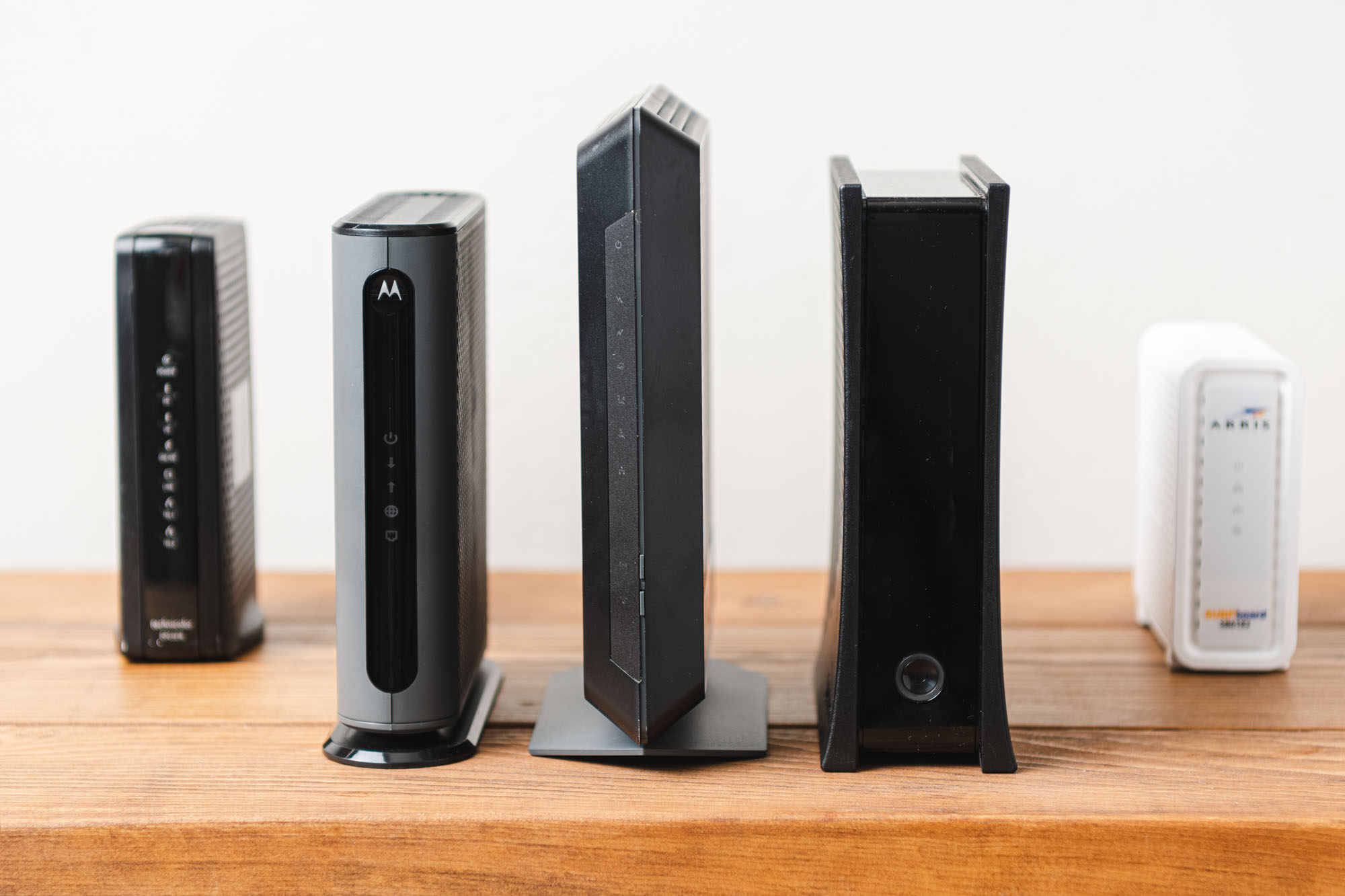
Credit: www.yourbestdigs.com
Frequently Asked Questions On Spectrum Advanced Wifi Review
Is The Spectrum Advanced Wifi Worth It?
Spectrum Advanced WiFi is worth it for households with multiple device users. It offers easy network management and control through a simple app, both at home and away.
What Is Advanced Wifi With Spectrum?
Spectrum Advanced WiFi is a solution for faster, more secure WiFi connections for all devices in your home network.
Is Spectrum Wifi Router Good?
Spectrum WiFi router is good because it offers fast and reliable performance for all your devices.
What Is The Best Wifi For Spectrum?
The best WiFi for Spectrum is the Spectrum Advanced WiFi. It automatically optimizes your WiFi network for faster speeds and allows you to control your router through a simple app.
Conclusion
To sum up, Spectrum Advanced WiFi is a worthwhile investment for anyone looking to connect multiple devices simultaneously without sacrificing speed. With this advanced WiFi system, you can enjoy a faster and more secure connection for every device in your home network.
One of the key benefits of Spectrum Advanced WiFi is its automatic optimization feature, which ensures that you receive the fastest wireless speeds possible. Additionally, this system allows you to have more control over your WiFi network by enabling you to pause or unpause WiFi connections on specific devices.
By using the simple app provided, you can easily manage your WiFi network whether you are at home or away. Spectrum Advanced WiFi is a reliable solution that combines the latest technology with high-speed performance, making it a great choice for those seeking a seamless and efficient internet experience.